Follow a particular visit
Review the written account and relevant camera views when you want to understand work or activity on the property.
Bring the main house, driveway, garages, and detached buildings into a coordinated property system. PerimeterEye connects observed activity across cameras, presents it clearly, and directs a response where it is needed.
Real app report: one landscaping visit, observed across six camera views.
Your view and PerimeterEye’s view
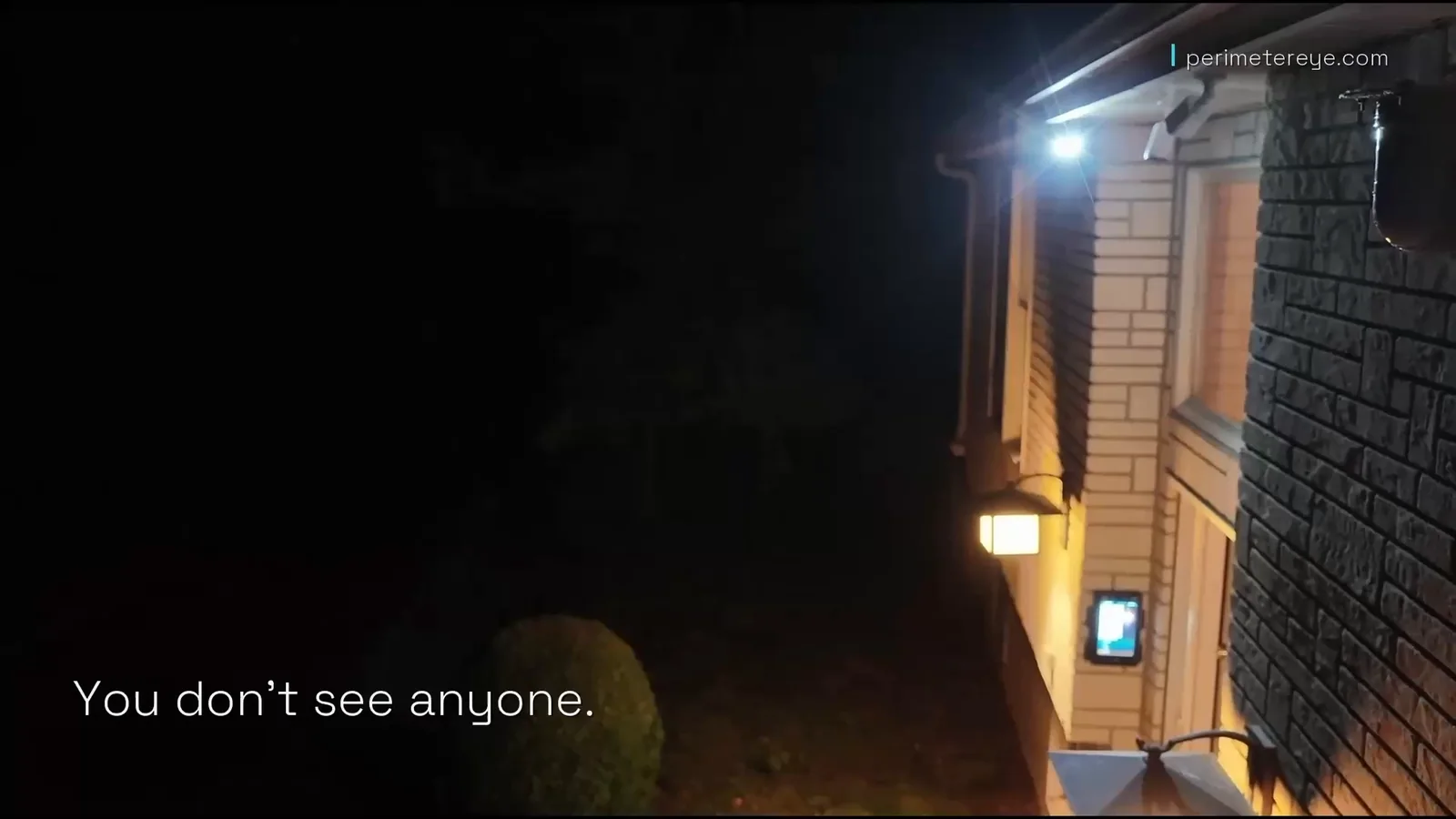
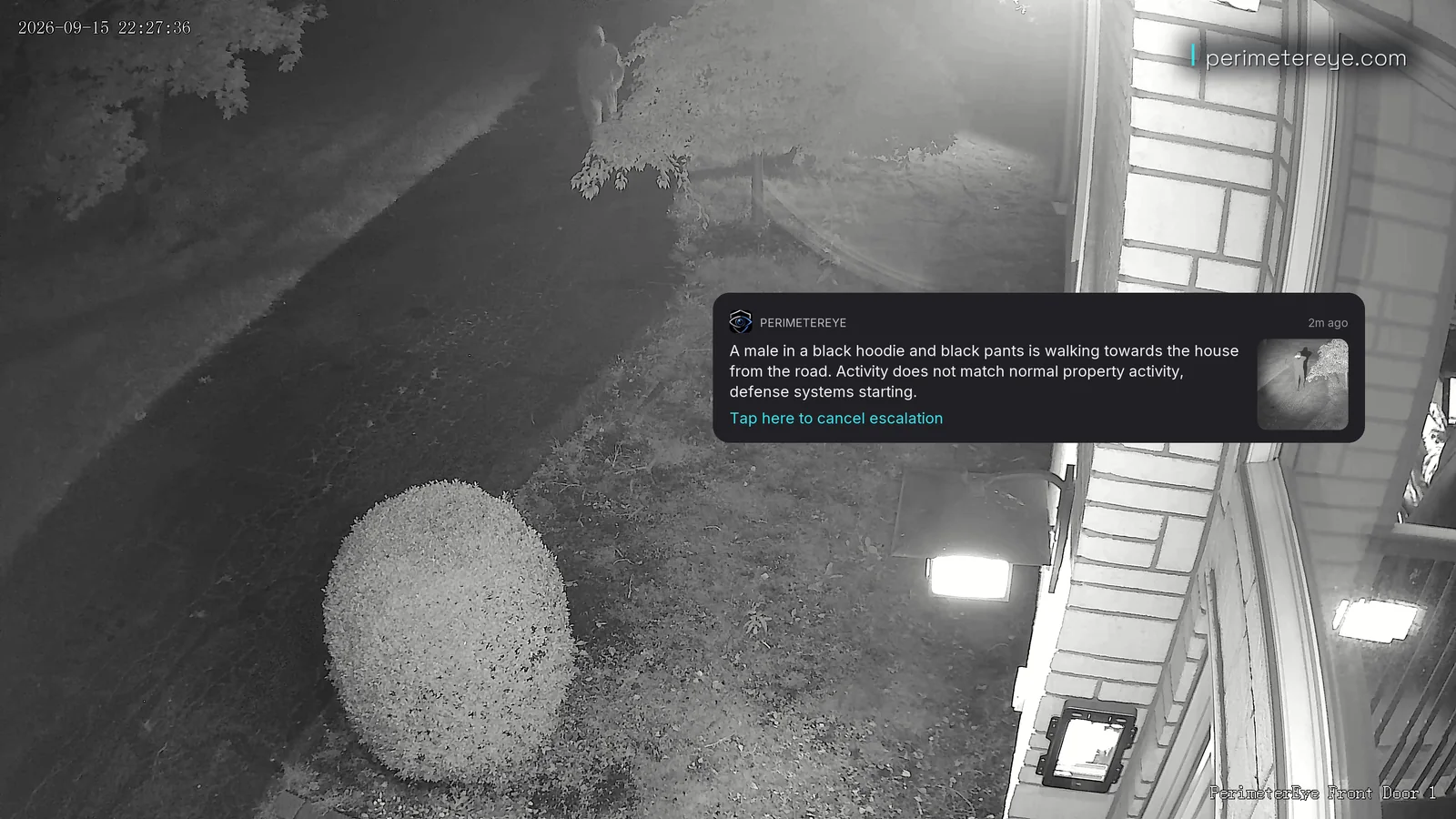
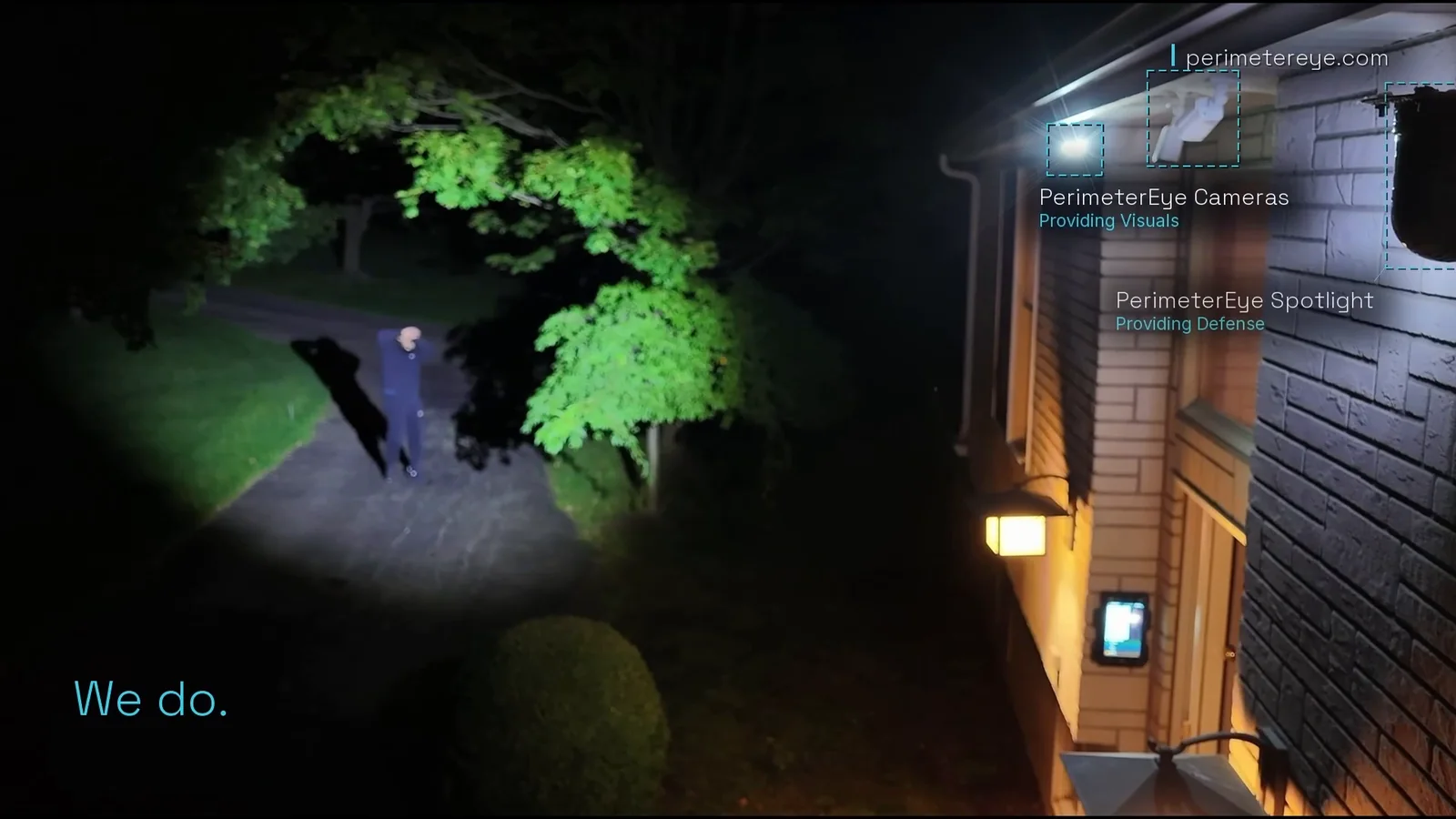
The same approach three ways: what you see from the house at night, what the camera sees in infrared, and the moment the searchlight catches the person.
1 of 3 · Your viewView full size
From the house, the driveway is dark. Whoever is out there is invisible to you.
2 of 3 · PerimeterEye’s viewView full size
In infrared the person is in plain view, and the alert is already describing them: walking toward the house from the road, not normal activity for the property.
3 of 3 · The searchlightView full size
The searchlight catches the person on the driveway, and their hands go up against the light. The cameras provide the view; the searchlight provides the defense.
Filmed on a real property with PerimeterEye cameras and a searchlight. The approach was staged for filming; the system’s response was automatic, with no operator.
Start with the routes and buildings
The important measure is how your property is used: where people enter, how they move, and which places need attention.
Understand the whole visit
In the real report shown above, PerimeterEye followed a landscaping crew from 5:32 to 6:41 PM across six camera views. The system connected the same people as they disappeared from one view and reappeared later, then presented a detailed account of their observed work.
Review the written account and relevant camera views when you want to understand work or activity on the property.
Use hour-by-hour history and the daily briefing for a broader view. The screenshots alongside are other real app examples.
The example is a routine visit classified as No Threat. It shows why a connected event history matters even when no deterrent response is required.
A central point of control
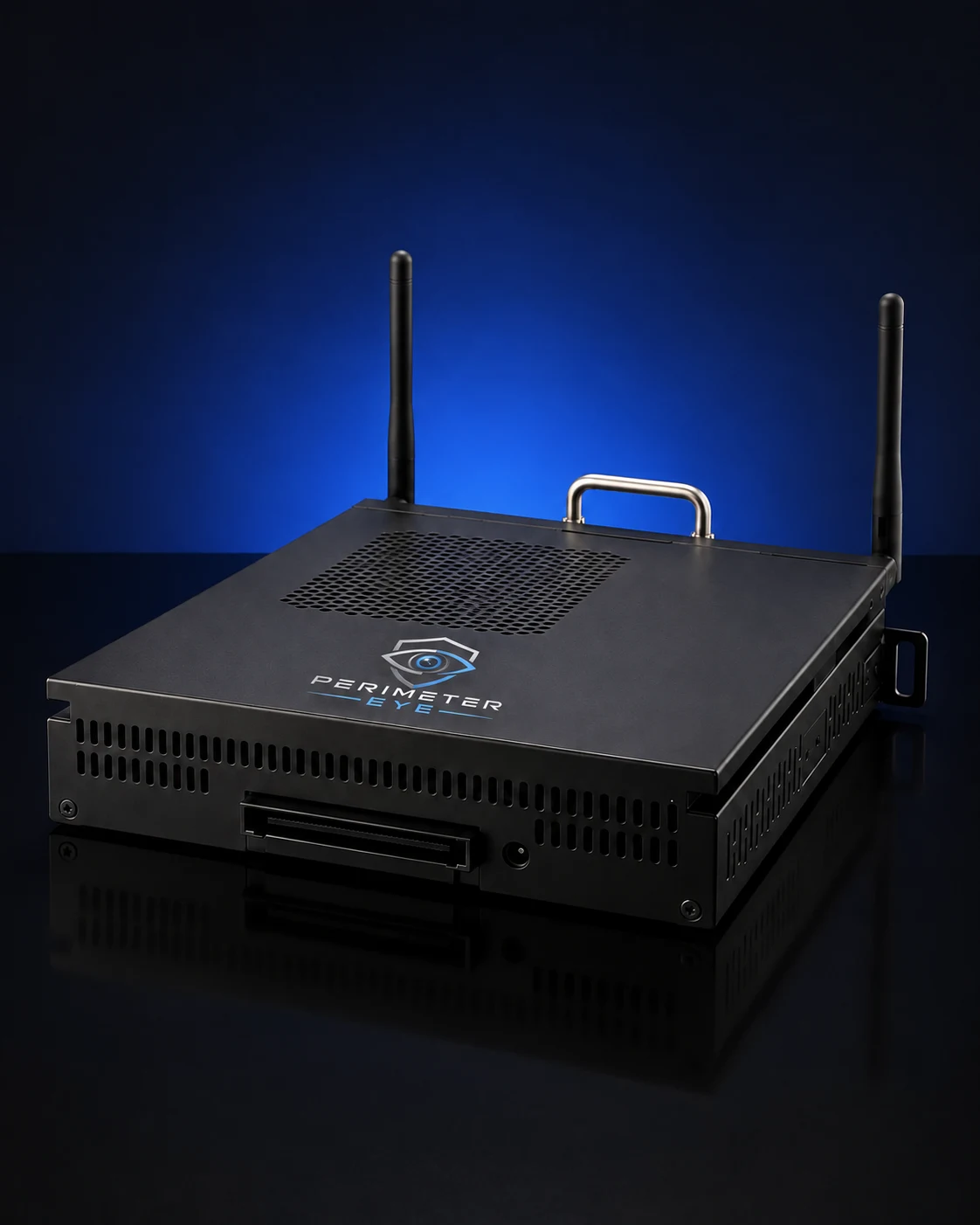
The PerimeterEye Brain coordinates your cameras, recording, and response hardware. When the system determines that activity needs illumination or audible escalation, the Brain sends commands to the connected searchlights and sirens.
Check activity, speak live through supported hardware, and manage the response from the mobile app.
Keep camera views, Property Modes, intercom calls, and owner controls accessible to the household.
 View photo
A normal day and a busy occasion
The system learns the property and assesses ordinary staff visits, delivery activity, and household arrivals in context.
Choose Visitor when you expect lots of invited activity across the grounds, with welcomes and guidance for arrivals.
High Alert and Maximum Security let you choose a more assertive posture when appropriate. You retain controls to change or stop the response.
PerimeterEye learns your property and handles ordinary arrivals, workers, and deliveries in context. There is no daily routine of arming and disarming as people come and go. Visitor mode is for large gatherings with lots of expected activity.
Explore Property ModesSee the response hardware at work
This footage shows a working PerimeterEye system using detection, a tracking searchlight, targeted voice, and siren escalation. Your estate layout determines where that hardware should be placed.
Detection, tracking searchlight, spoken warning and siren escalation, end to end — all recorded output from a working system.
Play with sound to hear the voice warning and siren.Plan the next detail
Before you choose
A PerimeterEye system can be planned around multiple entrances, garages, guest houses, and other buildings. Each area needs suitable camera coverage, power, and a connection to the system. The property layout determines the equipment and installation plan.
PerimeterEye can connect observed activity across camera views into a visit and maintain the association when the same people disappear from view and are seen again later. The real landscaping report shown here covers six camera views from arrival to departure. The account is based on observed activity, not a claim to see what happened off camera.
No. Armed is the daily-use mode for routine staff, workers, deliveries, and visitors as the system learns your property. Visitor mode is for large gatherings with unusually high expected activity.
Coverage depends on sight lines, mounting, distances, and obstructions. A searchlight can rotate 355° and tilt 90°, but those movement specifications do not mean it can see or illuminate through walls, trees, or around buildings. Plan each area deliberately.
The mobile app provides camera visibility, event review, communication, and response controls when the system and your phone have the required connectivity. Indoor wall panels provide a central place for control inside the home.
Tell our team about the entrances, driveway, detached buildings, areas you want to cover, existing cameras, and available power and network connections. A plan or photos can help clarify sight lines and the routes people use. We can then discuss the configuration that fits.
Choose a system package or talk with our team about multiple entrances, detached buildings, existing cameras, and a layout that needs more detailed planning.
Explore an upgrade for your existing camerasSystem launch offer
First 6 months included from activation. Then $99/month.
Compare system packages